The problem
In my own work, SSH file transfer often became more scattered than it needed to be.
One server had one login. Another server had a different path. One workflow used scp, another used rsync, and sometimes I just needed to browse a remote folder before deciding what to copy.
Terminal tools are powerful, but repeated file work across multiple SSH-accessible machines can become a lot of small context switches: remembering paths, reopening terminal windows, rebuilding copy commands, checking which server is which, and tracking whether a transfer finished.
I wanted a Mac app that made this feel more like working in Finder.
The idea
Turbo SSHuttle is a macOS app for SSH file transfer with a multi-panel file browser.
The workflow is simple: save SSH-accessible machines, open local and remote folders side by side, drag files between panels, and track transfer progress in the app.
The goal is not to replace every command-line workflow. It is to make repeated server file work easier when a visual desktop workflow is faster.
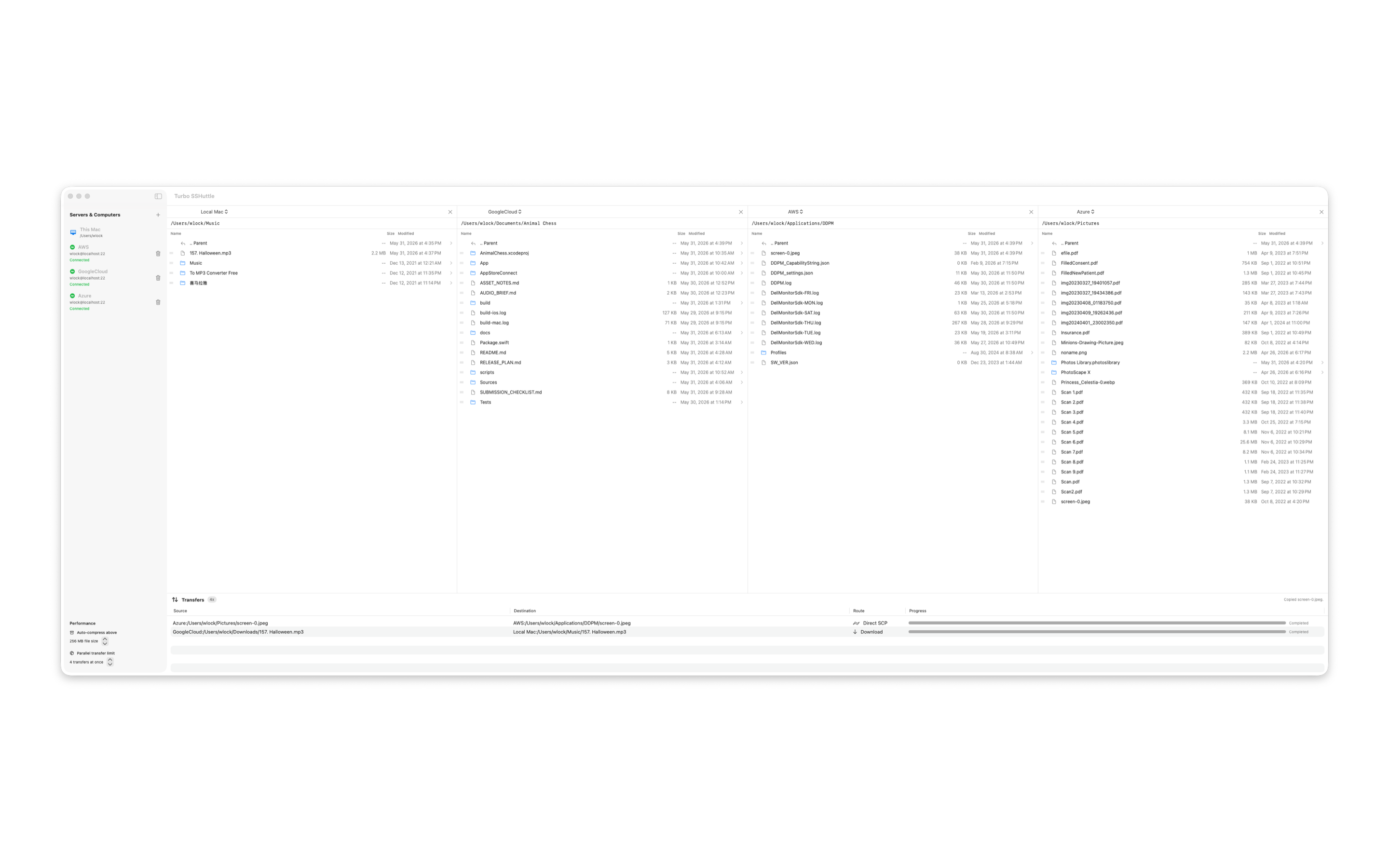
What it supports
- Saved SSH machines
- Local and remote file panels
- Drag-and-drop file transfers
- Parallel transfer jobs
- Transfer progress tracking
- Trusted SSH host handling
- macOS Keychain password storage when needed
- Local-to-remote, remote-to-local, and remote-to-remote workflows
Why macOS
On macOS, a lot of developer work already happens in a visual desktop environment: Finder, editors, terminal windows, preview tools, and local project folders.
Turbo SSHuttle tries to fit into that environment instead of forcing every transfer through a remembered command.
If I already know which remote folders I use often, I should be able to open them, compare them, and drag files around without reconstructing the same SSH command over and over.
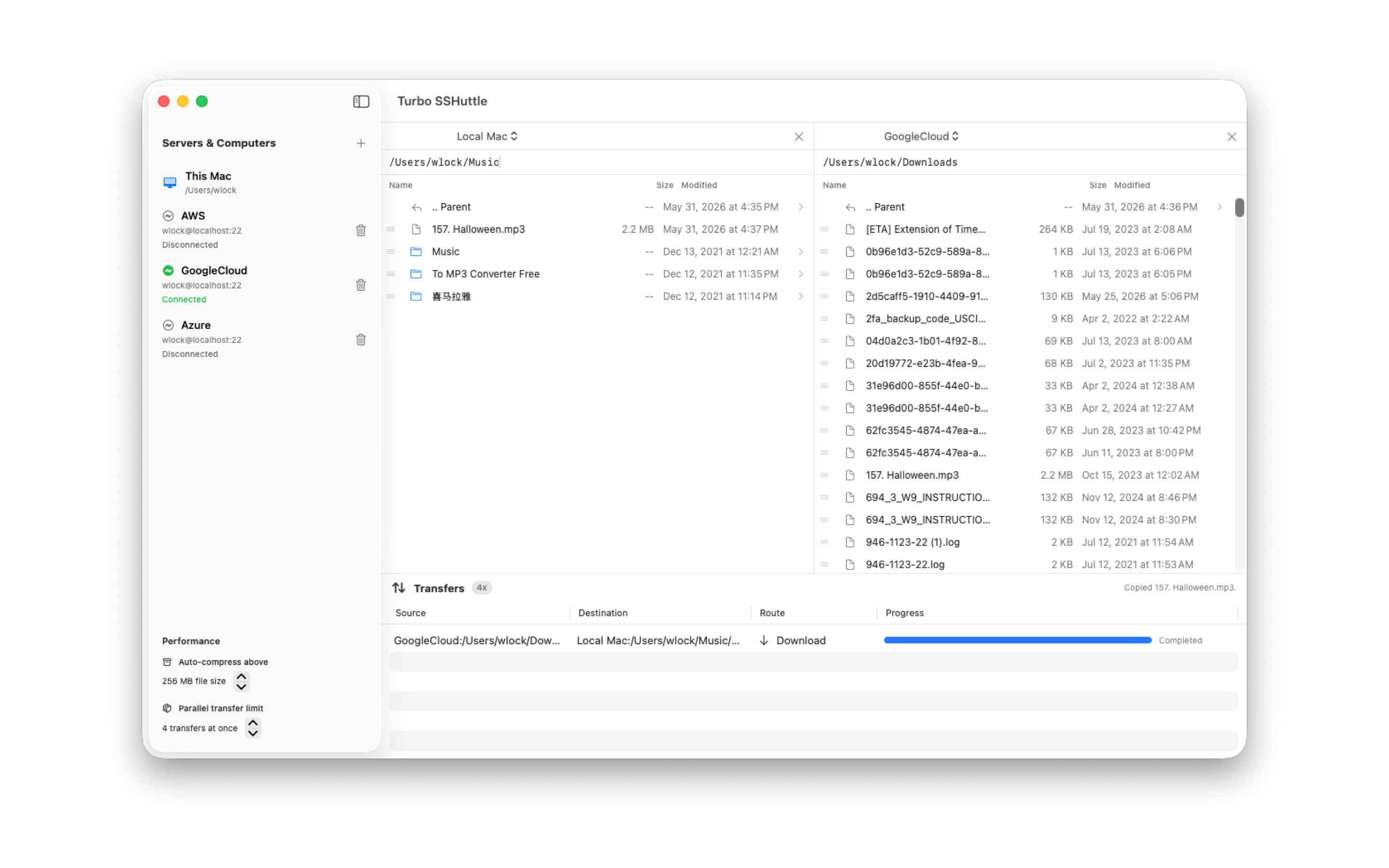
How it compares
Terminal tools like ssh, scp, and rsync are still the right tools for many jobs. They are scriptable, reliable, and precise.
Apps like FileZilla and Cyberduck are established file transfer tools. Turbo SSHuttle focuses on a narrower Mac desktop workflow: multiple file panels visible at once, saved SSH machines in a clean sidebar, drag-and-drop transfers, visible transfer progress, macOS Keychain integration, and a Finder-style feel for repeated SSH file work.
What I want feedback on
I am especially interested in feedback from Mac users who work with servers:
- Do you prefer terminal-first file transfer, or a visual workflow for repeated tasks?
- Is multi-panel browsing useful for your server workflow?
- Which transfer tasks still feel annoying on macOS?
- What would make this more useful for developers or sysadmins?
Turbo SSHuttle is available on the Mac App Store, and the Product Hunt discussion is open for feedback.