
Support
Contact
For help with Bug Splash AR, email wlock88@icloud.com.
Camera Permission
Bug Splash AR needs camera access to show flying bugs in your live surroundings. If the camera is blocked, open Settings, choose Bug Splash AR, and enable Camera.
Gameplay Screenshots
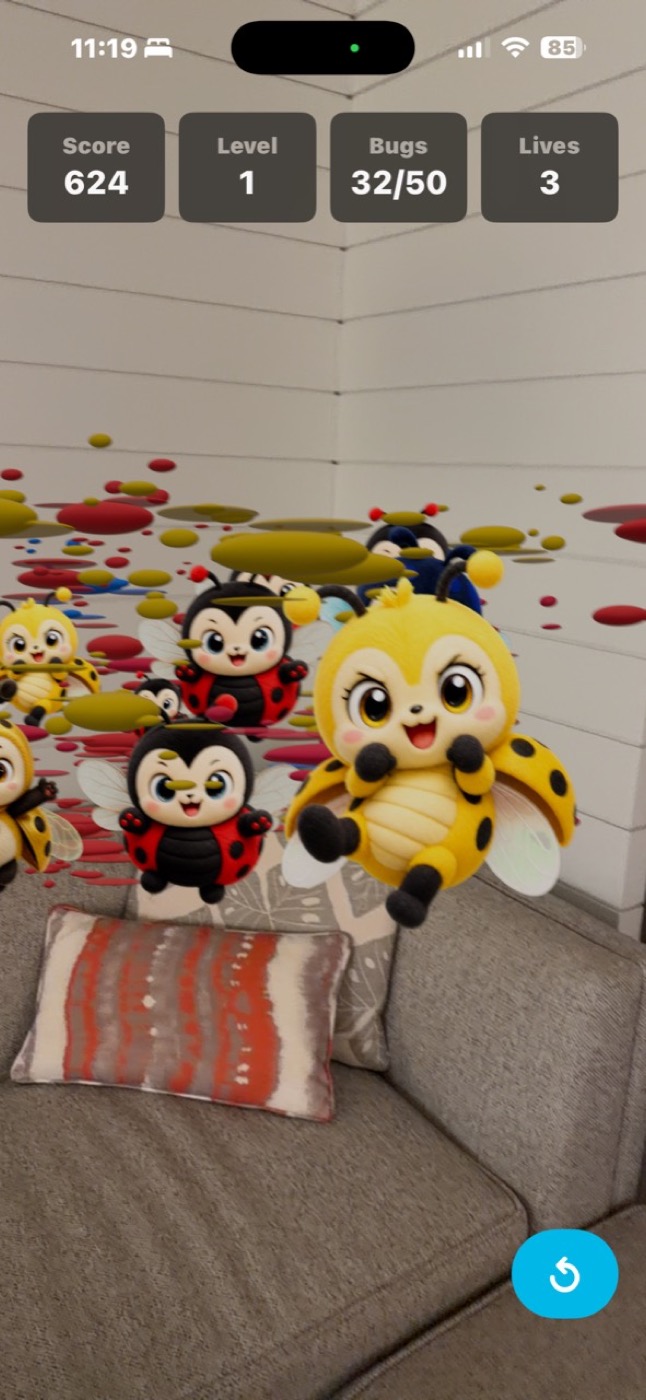
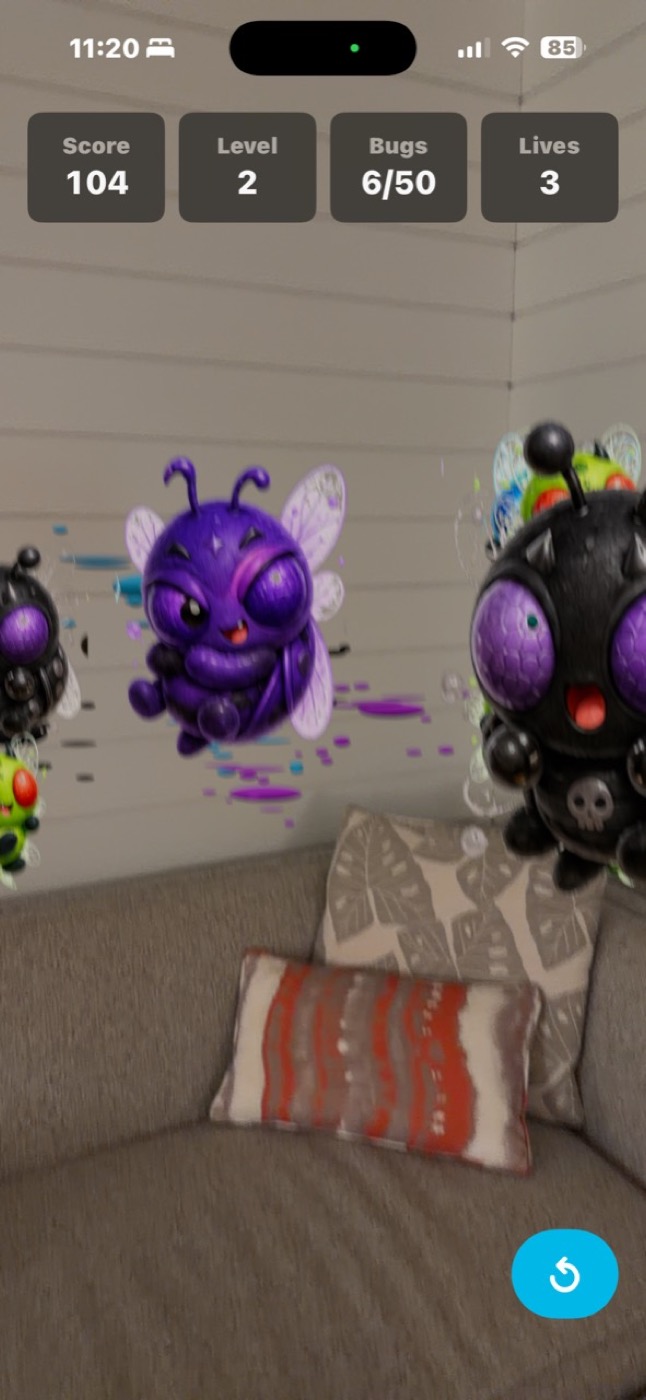
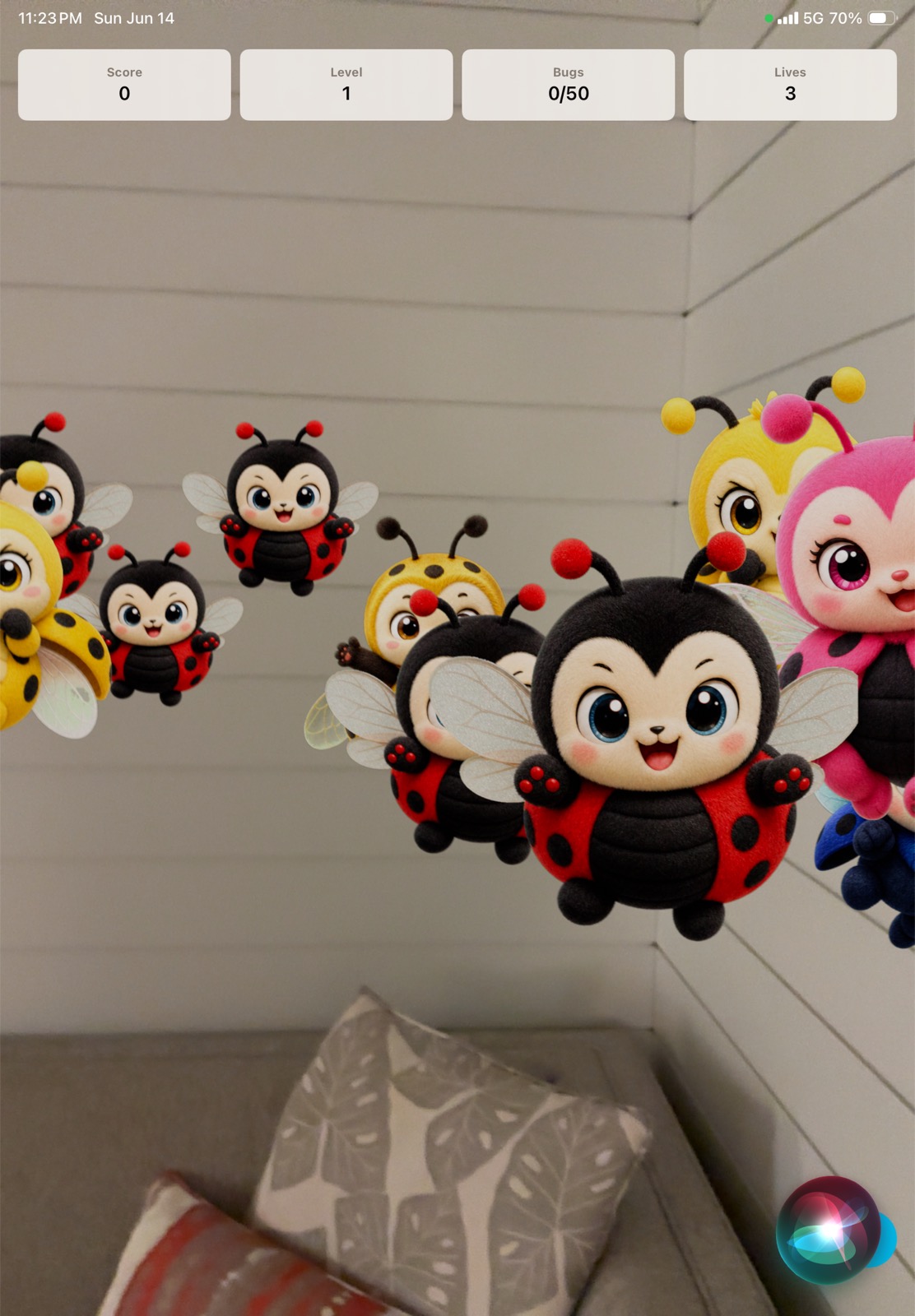
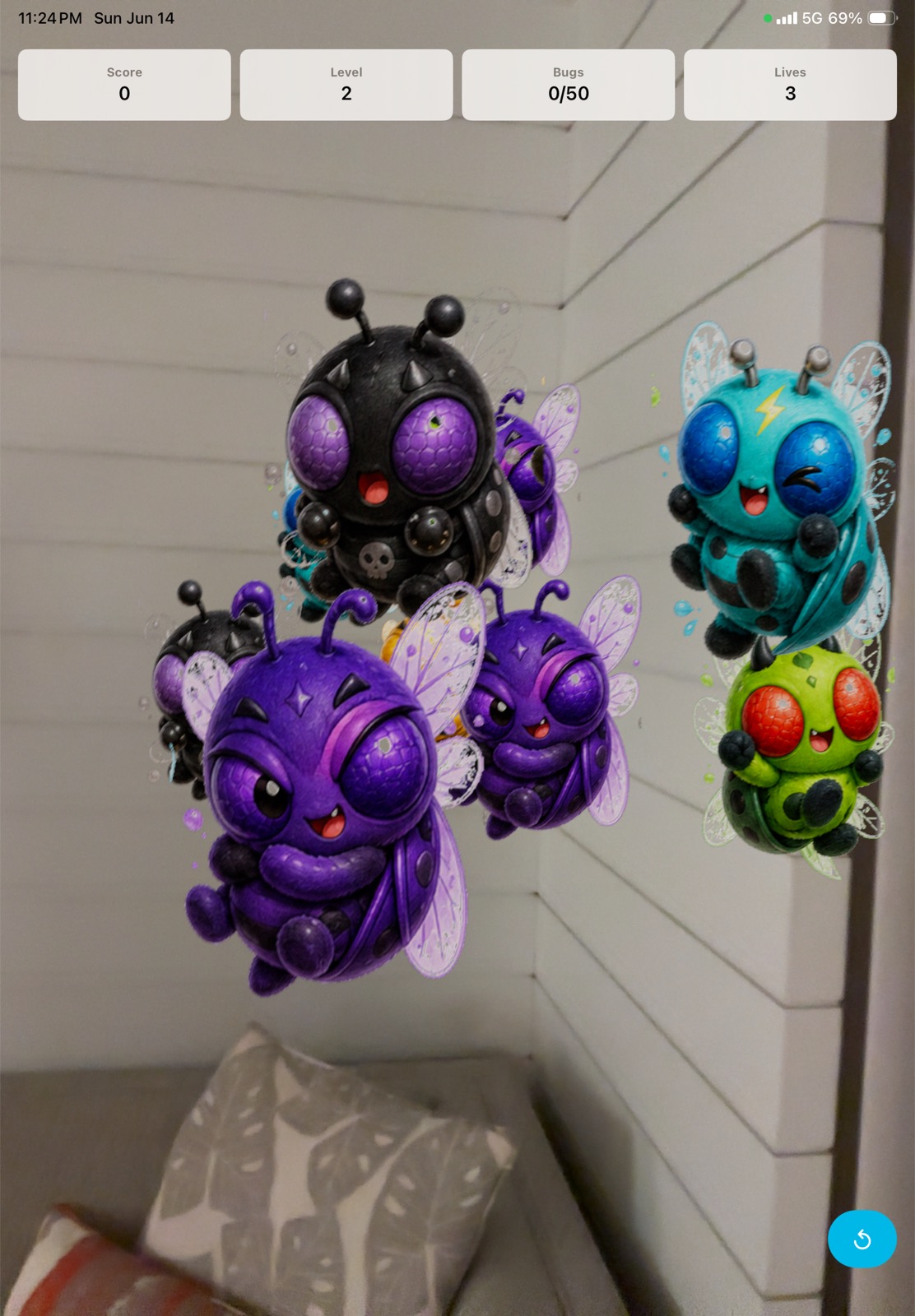
These screenshots show Bug Splash AR running on iPhone and iPad with cute flying bugs, AR camera gameplay, score, level, lives, and colorful paint splashes.
AR Tips
- Play in a bright room with enough visual detail.
- Move the device slowly so AR tracking stays stable.
- Keep your hand steady when tapping fast-moving bugs.
- Use the reset button if the round feels stuck or tracking is poor.